
Your Plugin Vault gives you access to plugins and themes included with your Cyber Circuit hosting package. You can download them directly from your Plugin vault and install them on your WordPress website.
Step 1: Log Into Your Client Area
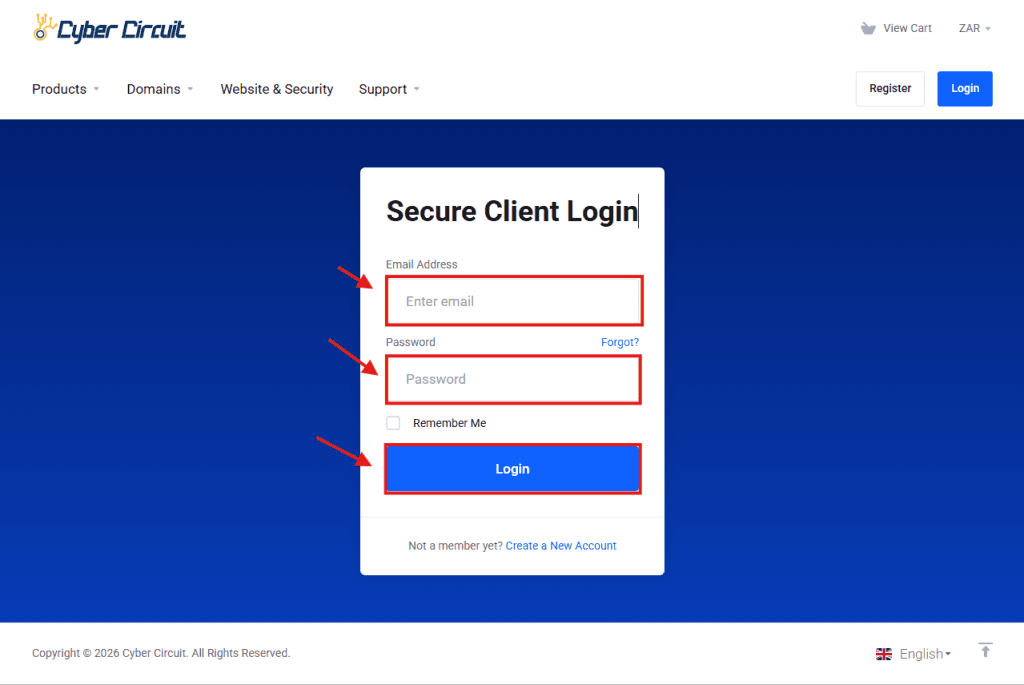
- Go to the Cyber Circuit Client Area (https://cybercircuit.co.za/billing/).
- Log in using your email address and password.
Step 2: Open the Plugin Vault
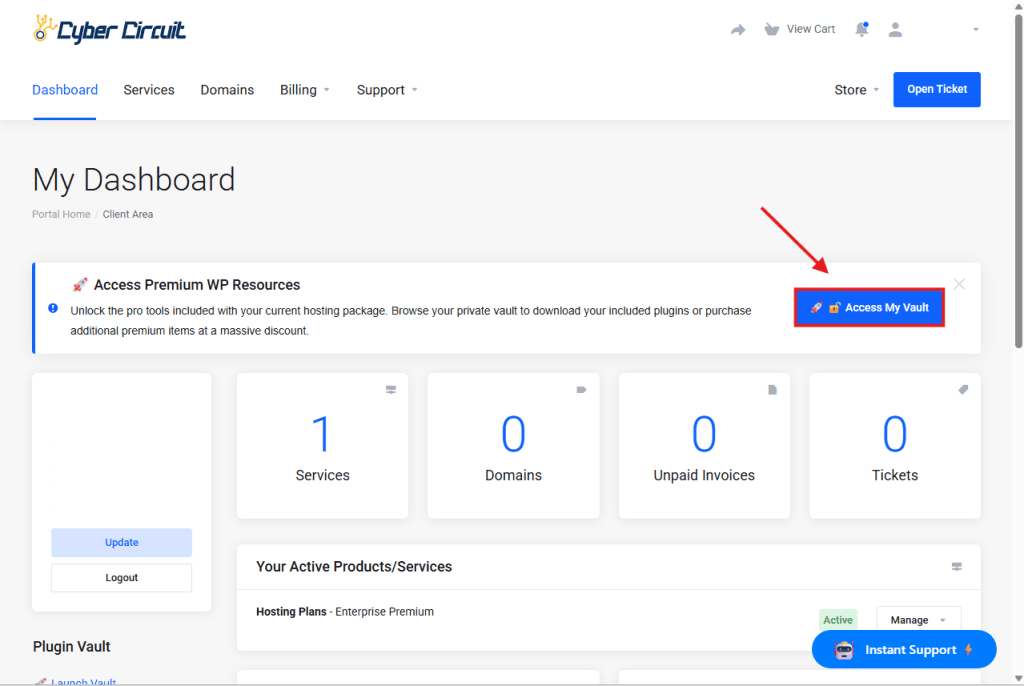
- From your Client Area dashboard, click on the Access my vault button.
- You will see a list of available plugins and themes.
Step 3: Understand Which Plugins Are Included
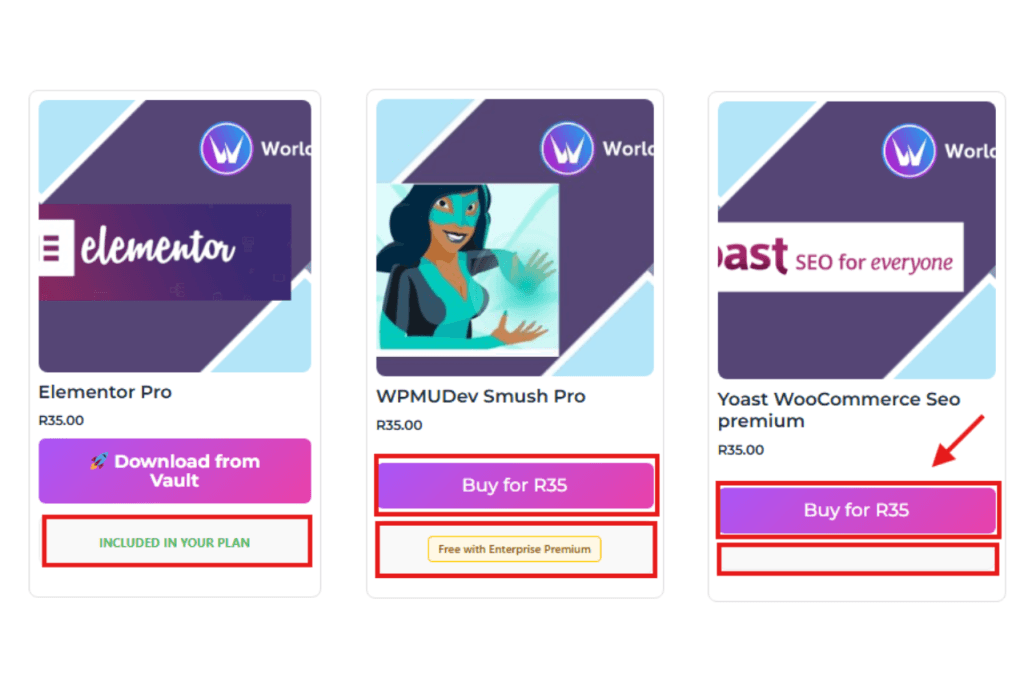
Each plugin or theme shows a notice at the bottom explaining availability:
- Included in your plan
- The plugin will show which hosting package includes it.
- The plugin will show which hosting package includes it.
- Not included with any package
- If no package notice is shown, the plugin can be purchased for R35.
- If no package notice is shown, the plugin can be purchased for R35.
- Included in your plan
Step 4: Download a Plugin or Theme
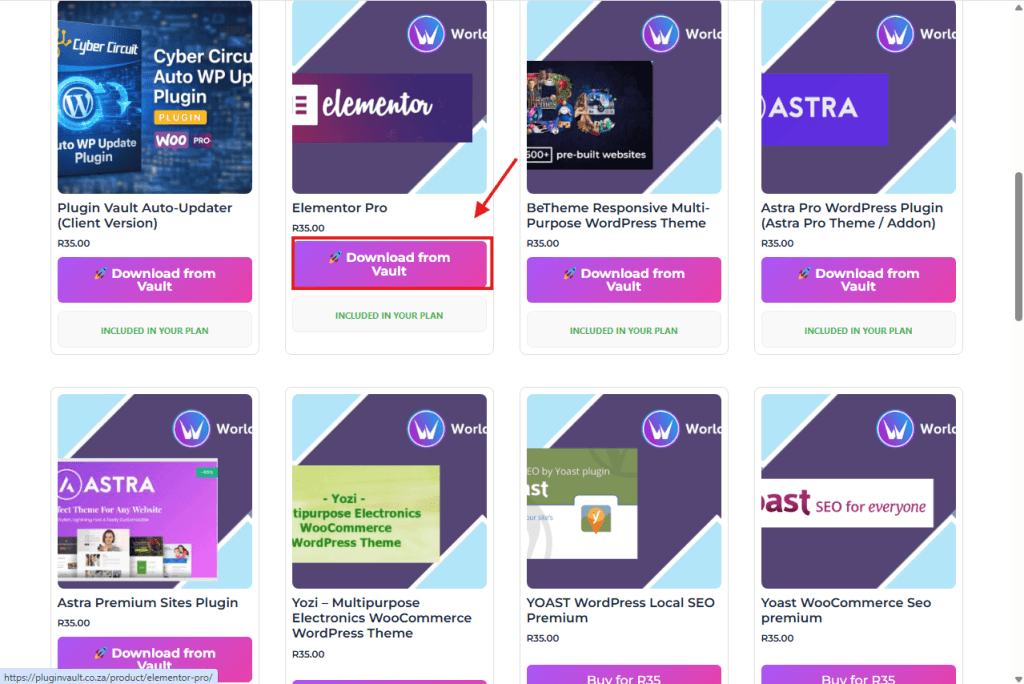
- Click Download from Vault.
- Save the file to your computer.
Step 5: Install the Plugin on WordPress
- Log into your WordPress dashboard.
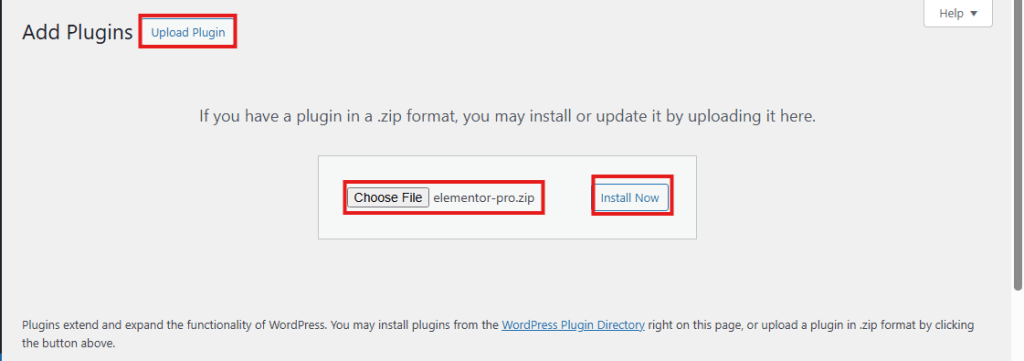
- Go to Plugins → Add New → Upload Plugin.
- Upload the downloaded ZIP file.
- Click Install Now, then Activate.
✅ You’re all set!
You can now download and install plugins and themes included with your Cyber Circuit hosting package.