Want to secure a new website name? Here is how to search for availability and register a domain directly from your Client Area.
If you want to start a new website, the first step is buying the “Address” (the Domain Name, e.g., yourbusiness.co.za). You can do this quickly inside your dashboard.
Step 1: Log Into Your Client Area
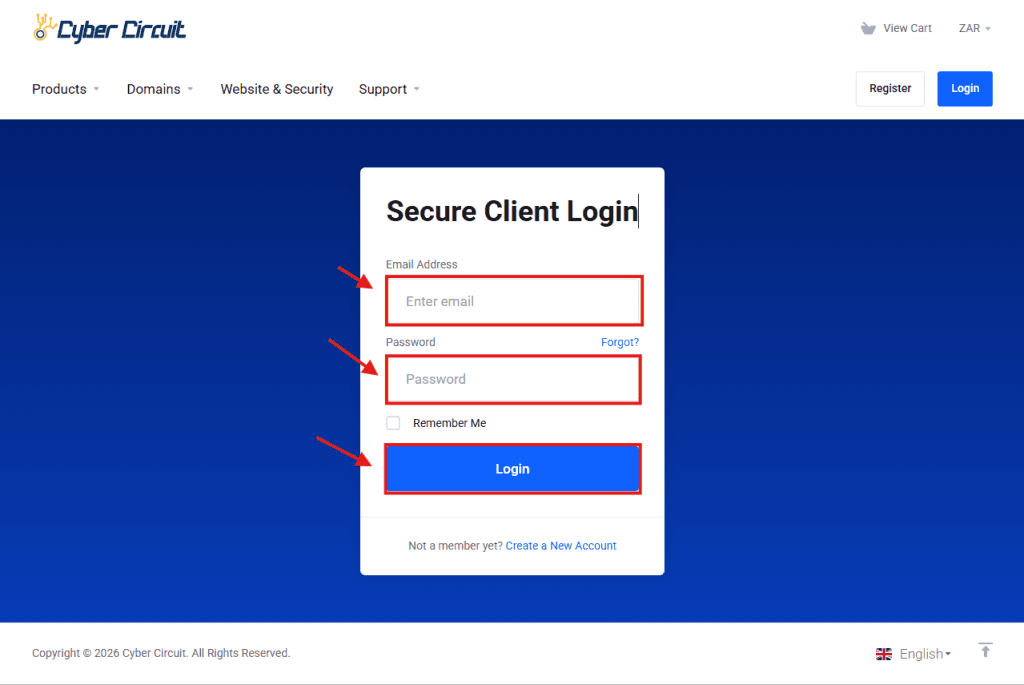
Go to the Cyber Circuit client area login page.
Log in using your email address and password.
Step 2: Open the Domains Manager
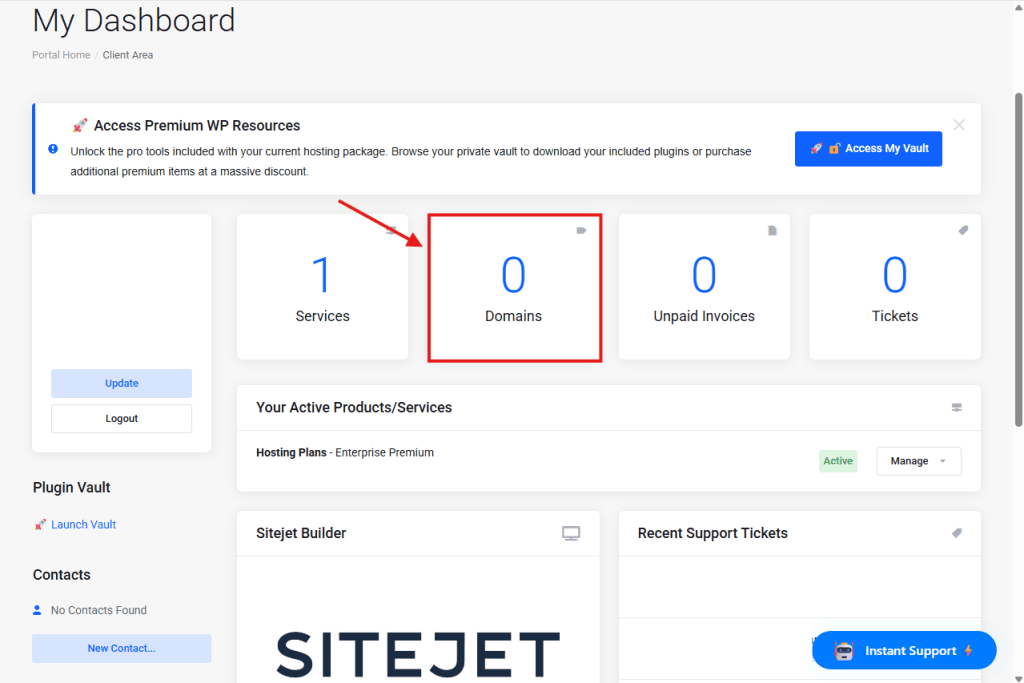
From your Client Area Dashboard, look for the big blocks showing your account overview.
Click on the block labeled Domains (it will show a number, e.g., “0 Domains” or “1 Domains”).
Step 3: Click "Add New"
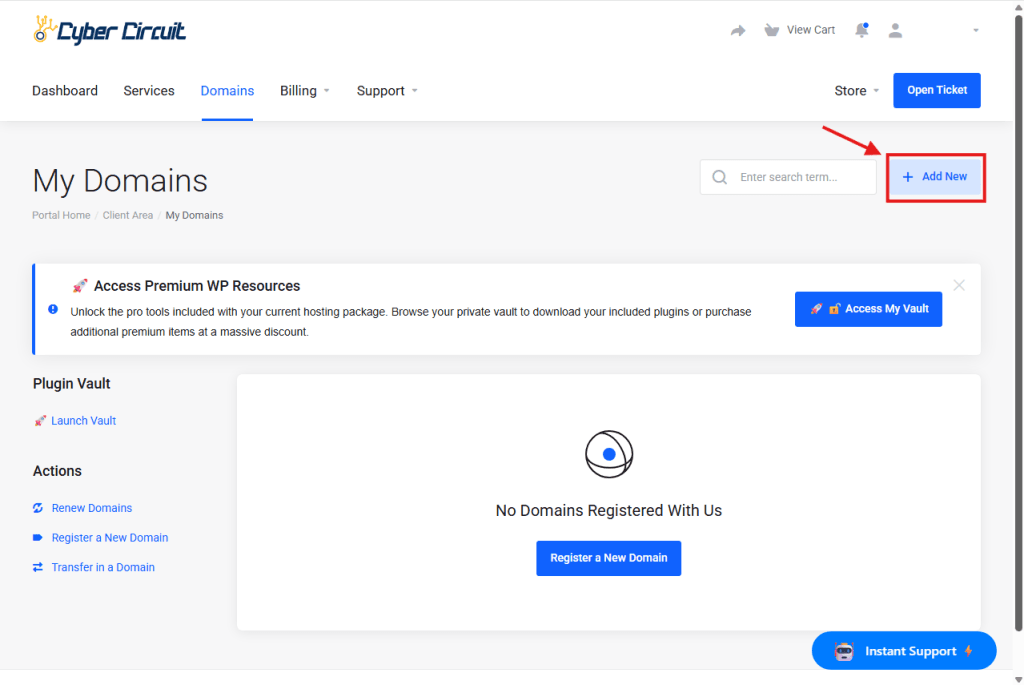
You will be taken to your “My Domains” page.
Look for the button on the right side labeled + Add New.
Click it to start a registration.
Step 4: Search & Add to Cart
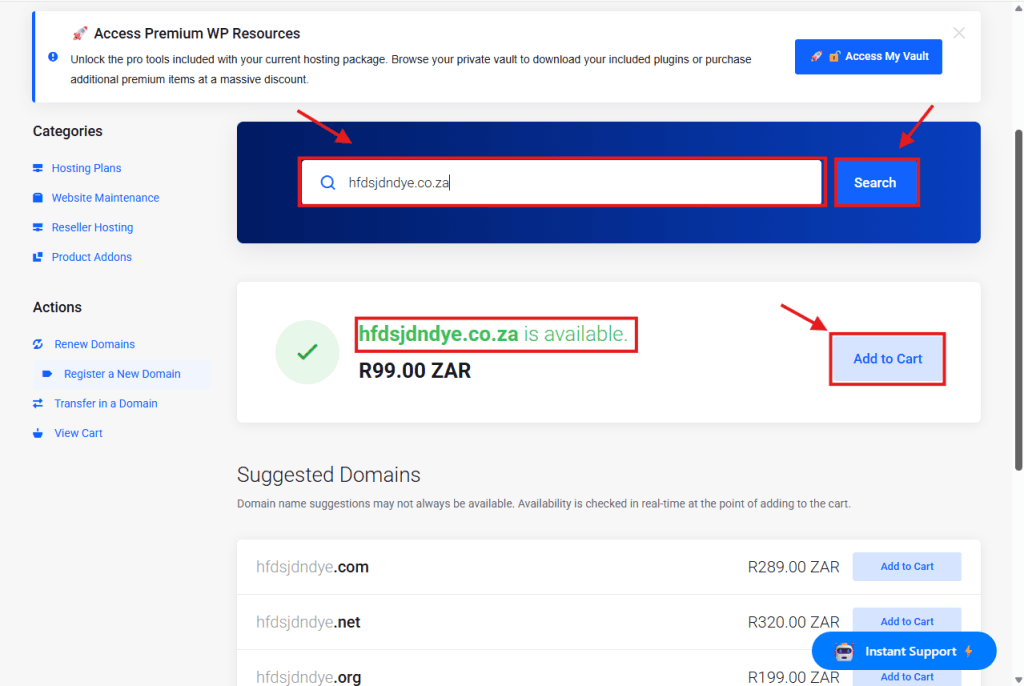
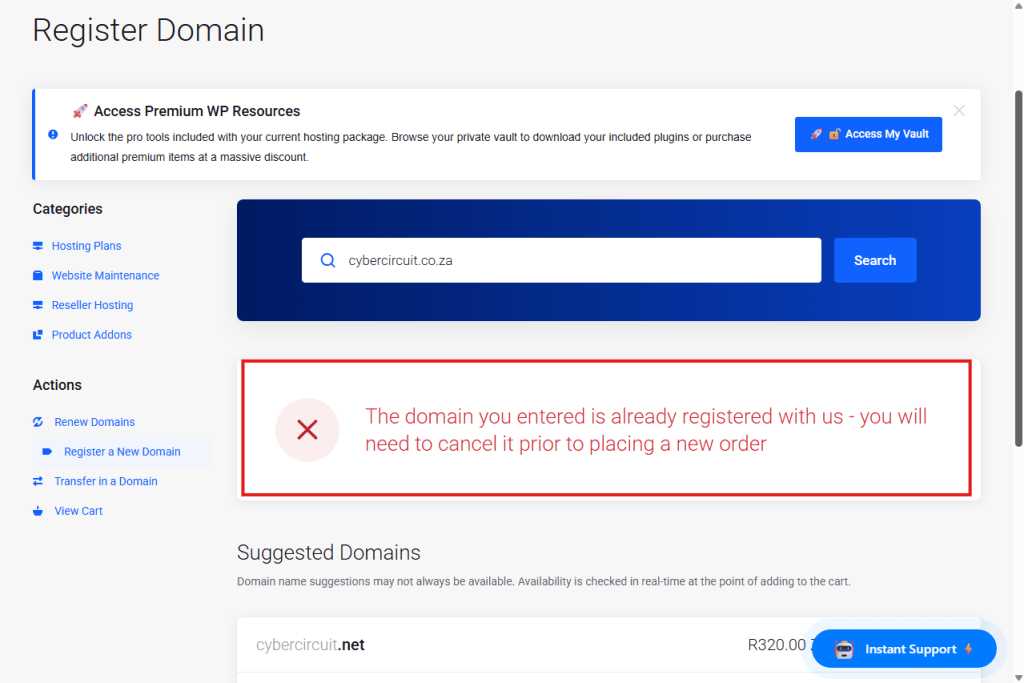
Search: Type the name you want (e.g., mybusiness.co.za) into the search bar and click the blue Search button.
Add: If the domain is available, click Add to Cart.
Continue: Scroll to the bottom right of the page and click Continue.
Step 5: Configure Nameservers
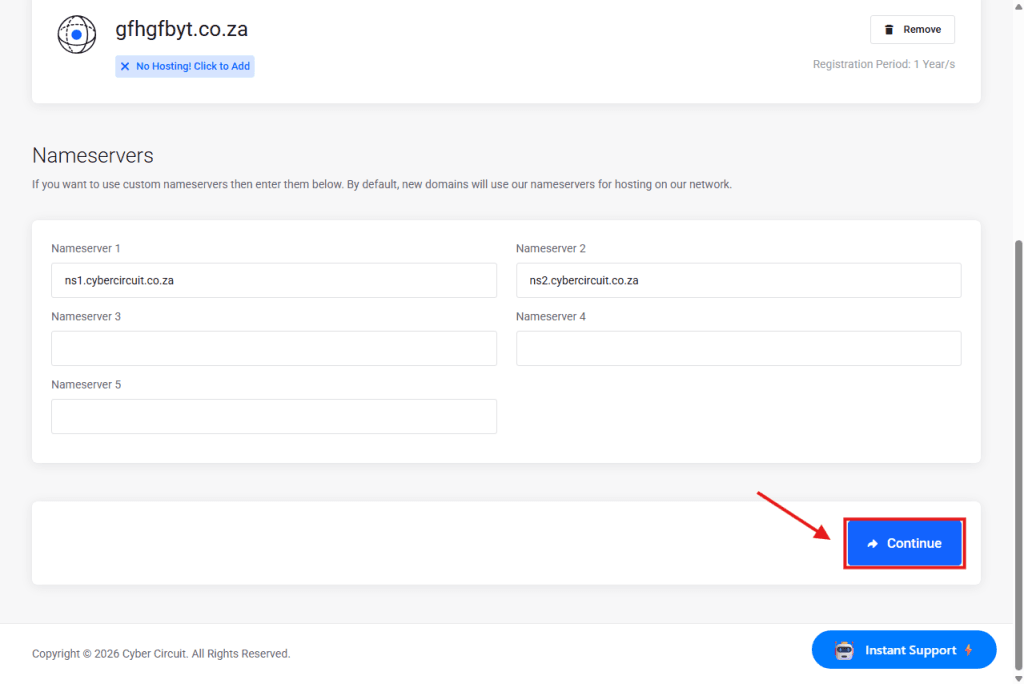
You will see the Nameservers section.
If you are hosting with Cyber Circuit, leave these as default (ns1.cybercircuit.co.za and ns2…).
Click the blue Continue button at the bottom right.
Step 6: Checkout
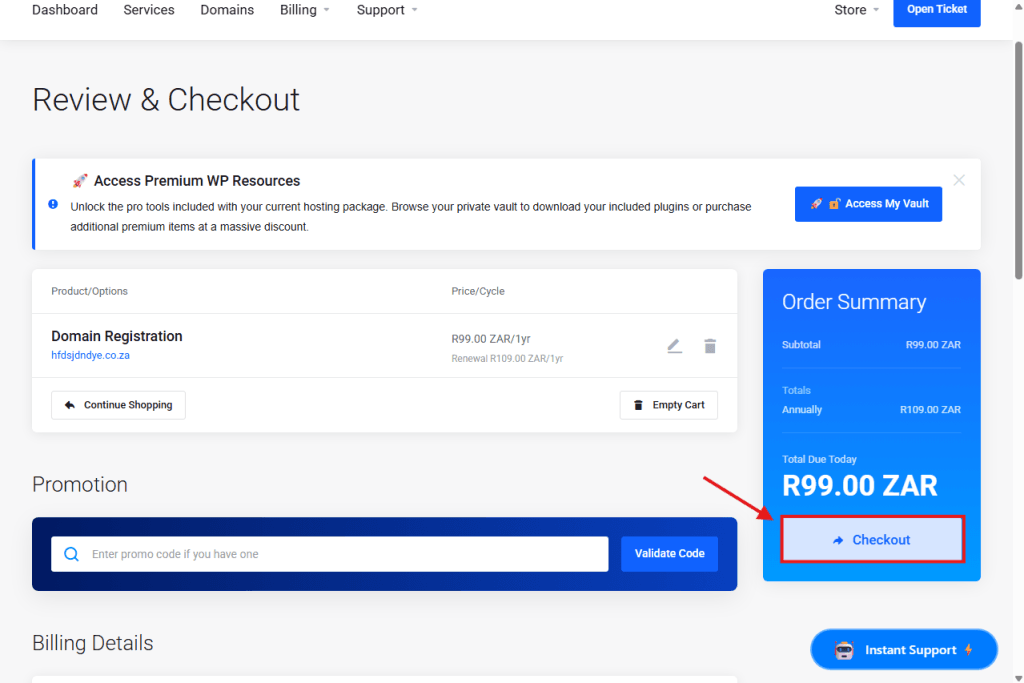
You will see an Order Summary on the right side of the screen showing the total price.
Click the blue Checkout button to finish the order.
Follow the prompts to complete your payment. Your domain will be registered instantly once paid!